VR Creators blog: guides to 360° virtual tours
Practical guides to building 360° virtual tours with VIRTUS: from the first photos to publishing, and accessibility.
Create your first virtual tour in five minutes
From uploading your 360° photos to sharing the link.
Link the scenes of your tour together
The arrows that let visitors walk from one room to the next.
Add information, photos, videos and sounds to your tour
Points that open a card, a web page, a sound or a questionnaire.
Customise your tour: cover, music, menu and logo
The settings of the Tour tab, from privacy to background music.
Improve your photos: filters, horizon and sun glare
The Photo tab of every scene, step by step.
Share your tour and embed it in your website
Link, code for WordPress and other sites, unbranded link for property portals.
VIRTUS is accessible: what it means for you and your visitors
The European rules, what VIRTUS does for you and what you can do.
Visiting a tour without a mouse: keyboard and screen readers
The viewer's keyboard controls and the "Points of this scene" panel.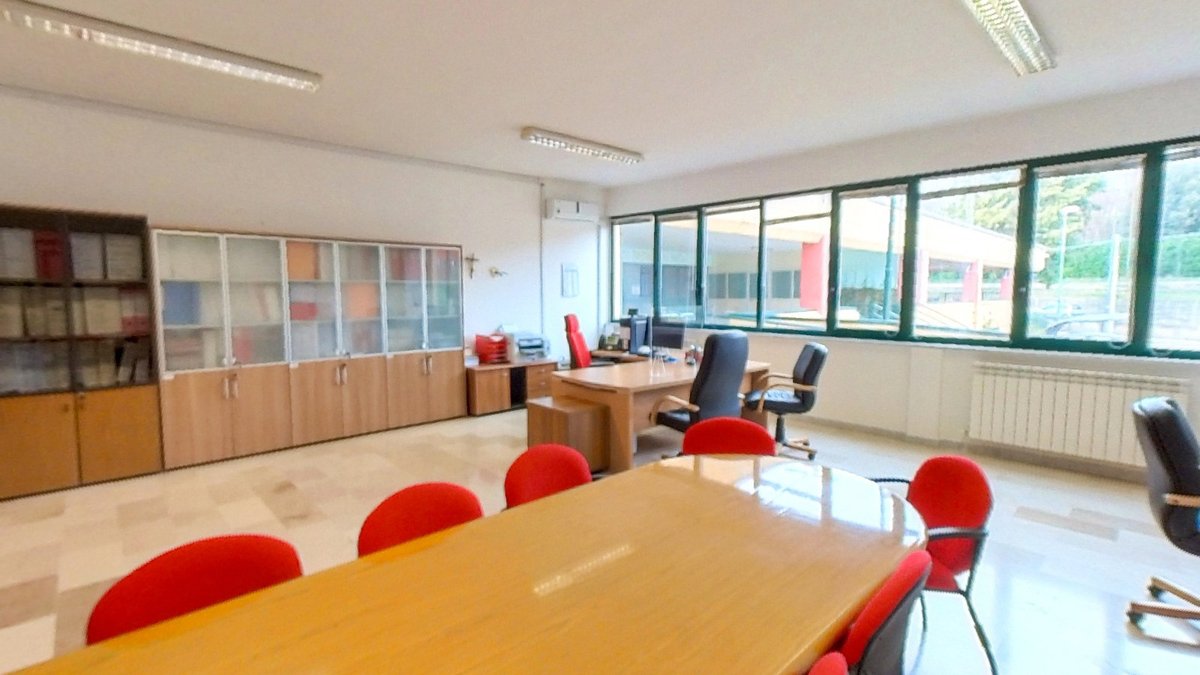
Writing accessible tours: titles, descriptions and alternative text
Seven tips for a tour everyone can understand, even without seeing it.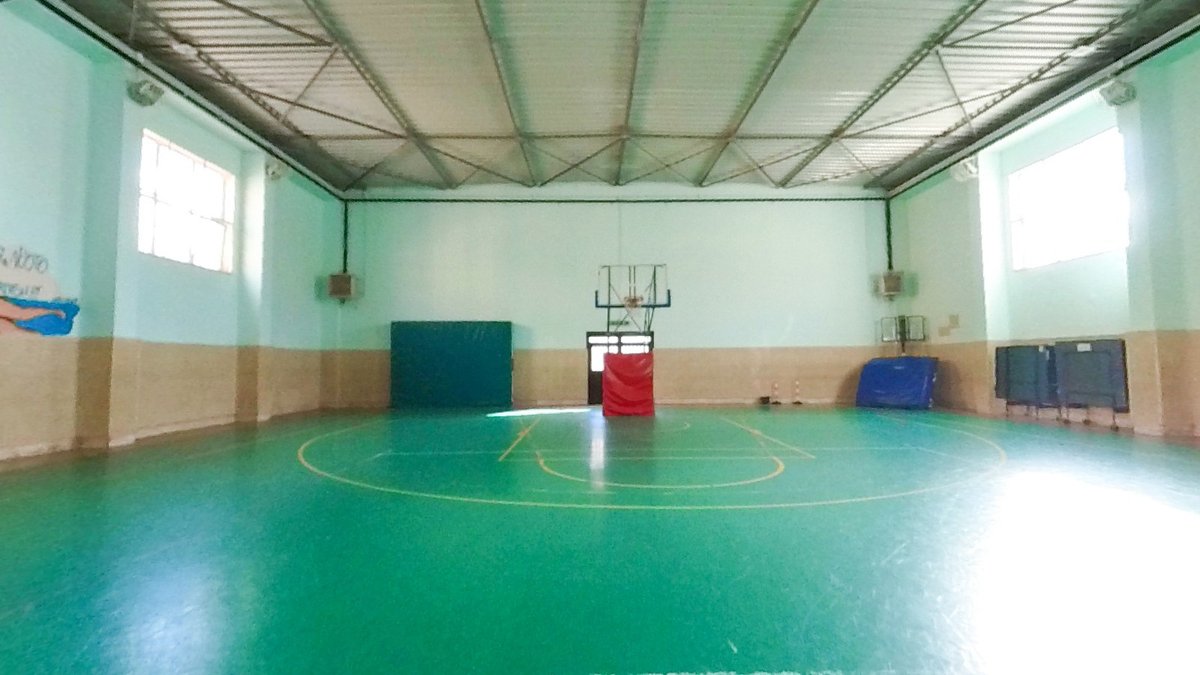
Creating and moving points with the keyboard in the editor
Add at the centre of the view and position in degrees: the editor without dragging.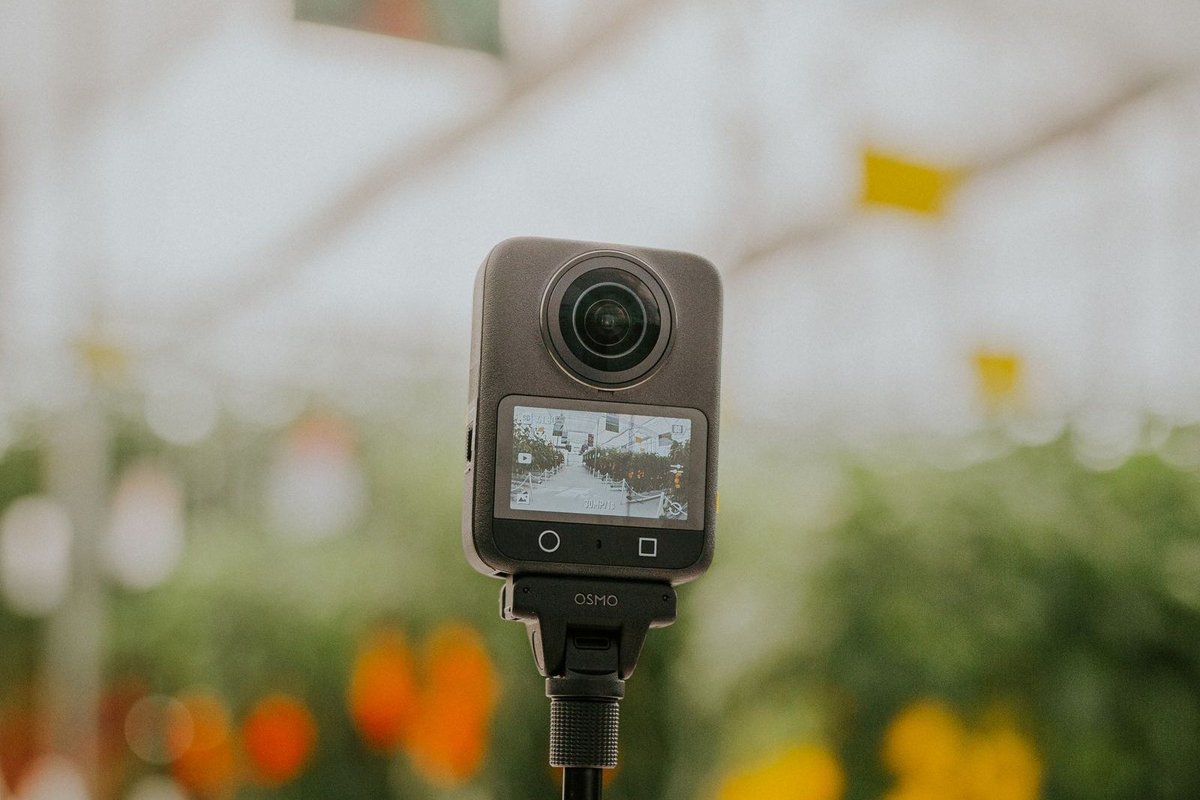
Virtual reality devices: what you need to view and create a 360° tour
Smartphones, headsets and 360° cameras: which devices you need to view a virtual tour and which to make one.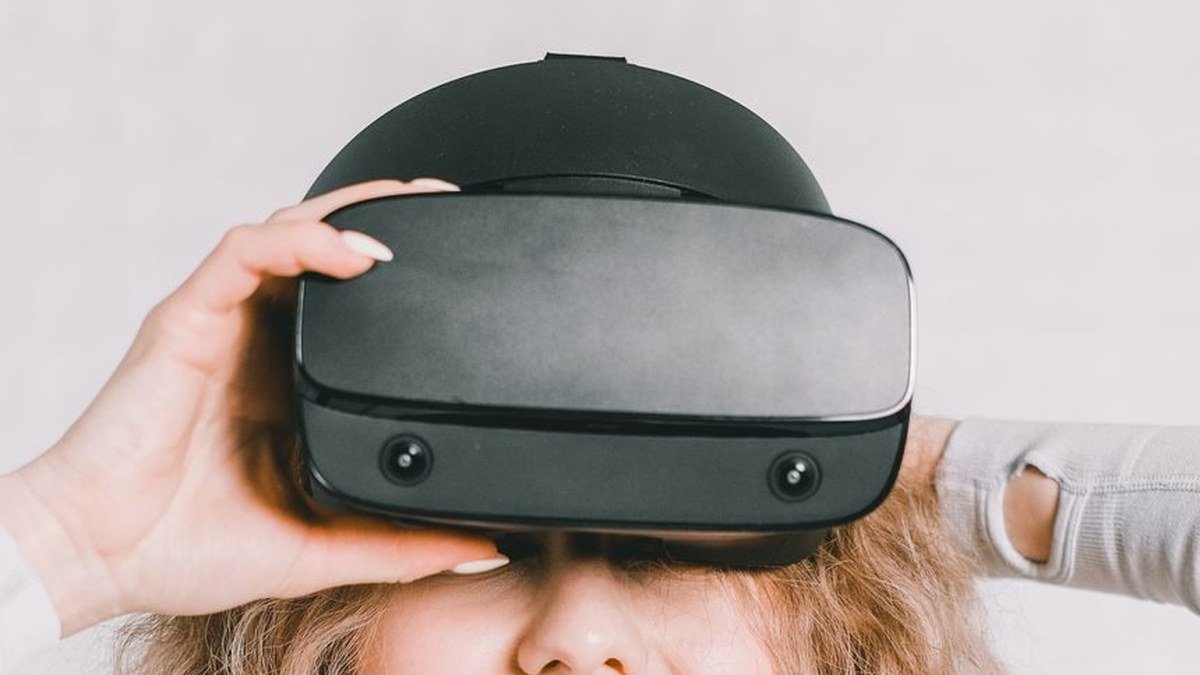
Latest-generation headsets: what changes and how they show 360° tours
Meta Quest 3, Apple Vision Pro, Samsung Galaxy XR, Steam Frame: what is new in recent headsets and what it means for virtual tours.