Communities and virtual tours: why people meet around virtual reality
Photographers, schools, agencies and hotels share ideas in communities: what you gain and how the VIRTUS Community works.
A community is a group of people who share an interest and regularly exchange experiences. Photographers, estate agents, schools, museums and hotels meet around 360° virtual tours, because the quickest way to learn how to make a good tour is to look at other people's tours and have yours looked at.
Why are communities growing?
- You learn from examples: a well-made tour explains better than any manual how to choose shooting points and link the rooms.
- Tools change fast: cameras, headsets and software are updated every year, and those who have already tried them save others time.
- From online to in person: webinars, discussion groups and in-person meetings alternate, and relationships born online turn into collaborations.
- Trust among peers: advice from people who do the same job counts more than an advert.
What happens in a virtual tour community?
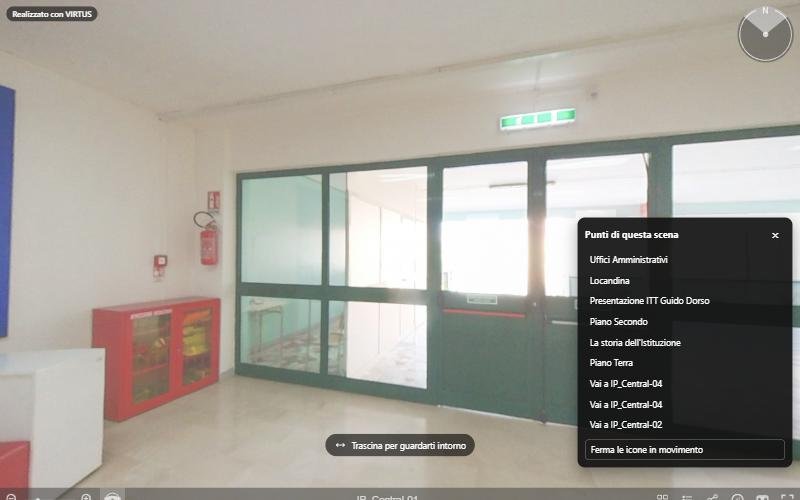
- Peer review of tours: light, links between scenes, texts of the information points.
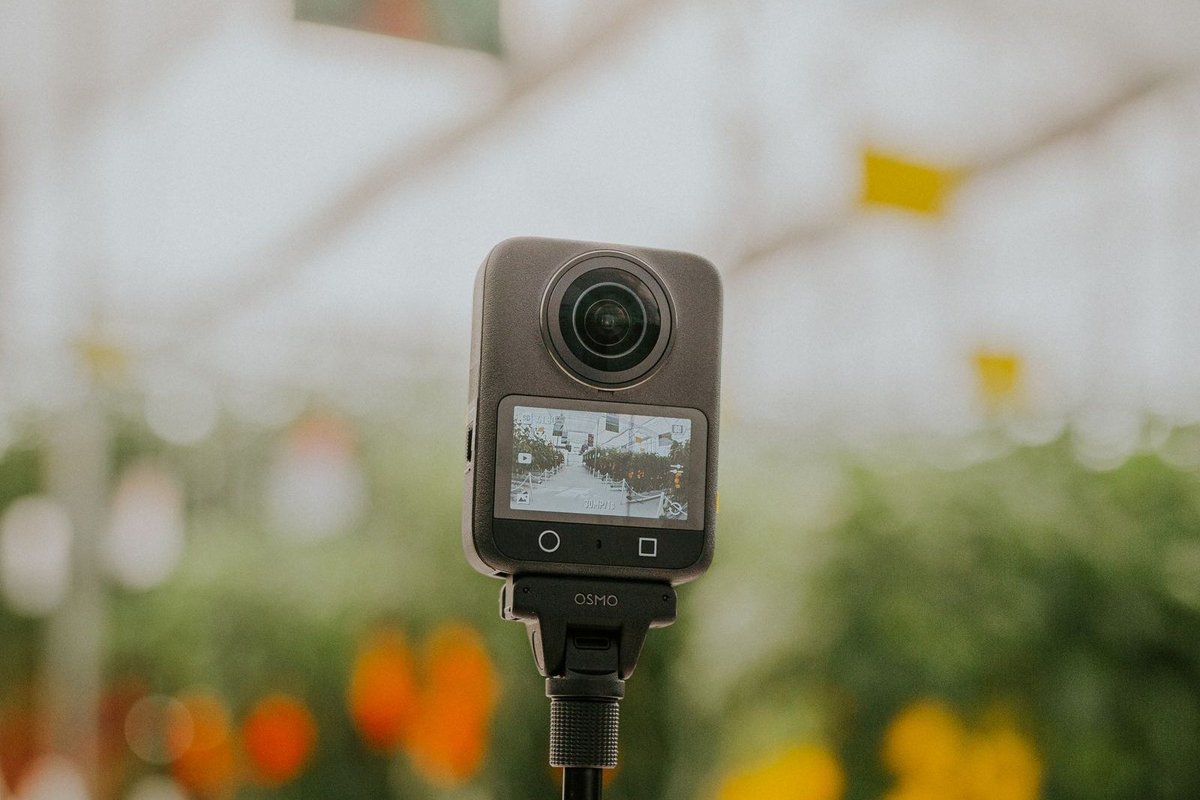
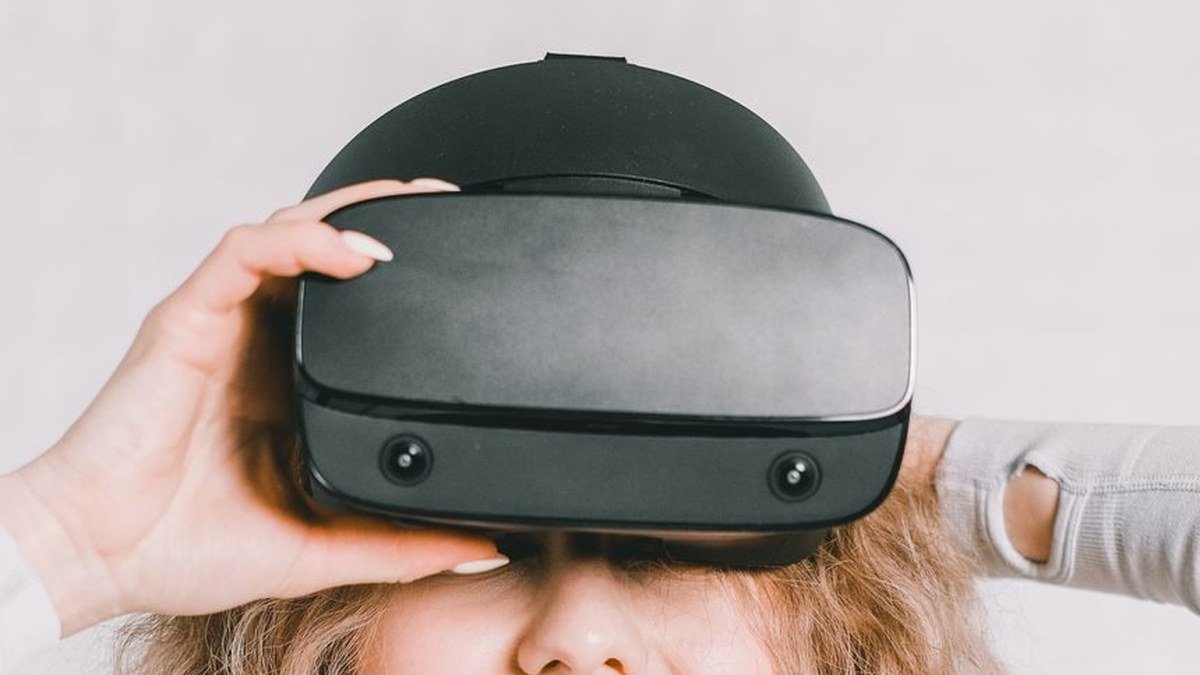
- Equipment tests: camera settings, tripods, headsets.
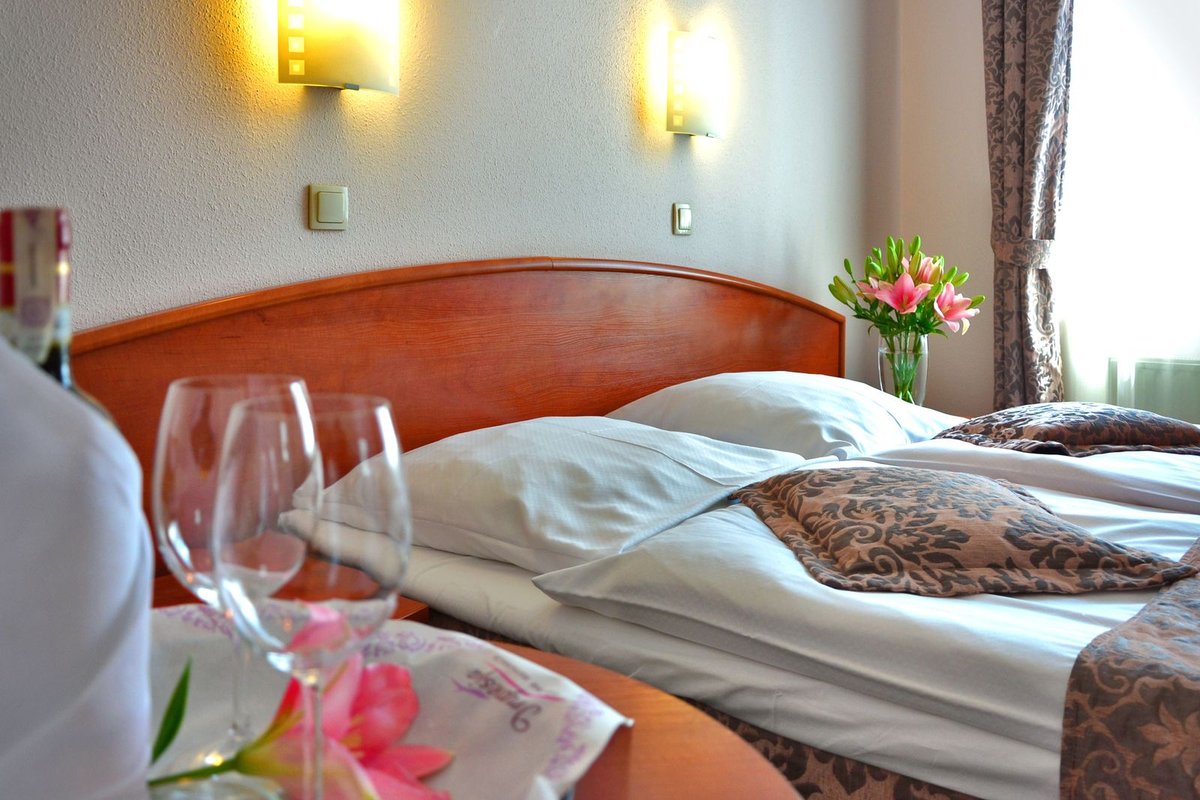
- Real cases: a school using its tour for student guidance, a hotel placing it on the booking page.
- Accessibility: clear titles, descriptions and keyboard navigation, so that the tour works for everyone.
How does the VIRTUS Community work?
VIRTUS is organising the meetings of its Community, open to those who use the platform and to those who want to start. In the dashboard of the panel there is an anonymous poll on taking part in the next meeting: we only count the answers, without knowing who answered what. With the newsletter you receive the date and the programme; many guides of the blog come from the Community's questions.
In short
A community helps you grow faster than working alone. Answer the poll in the panel and subscribe to the newsletter to join the next meeting.