Virtual reality devices
Headsets, 360° cameras and accessories we use and recommend to create and view virtual tours.
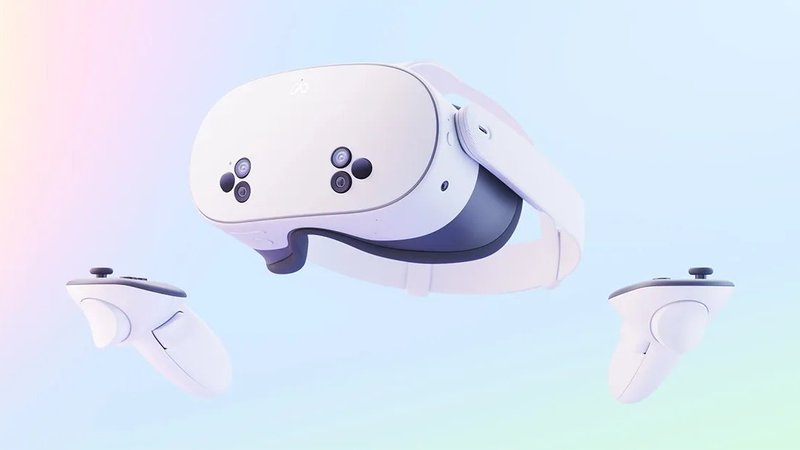
Meta Quest 3S
The simplest standalone headset to experience a virtual tour as if you were there: no computer and no cables, just put it on and open the tour in the headset's browser. It is our recommendation for agencies, schools and venues that want to show their tours at the office, at trade fairs or on open days, even to people who have never tried virtual reality.
See it on Amazon → (opens in a new tab)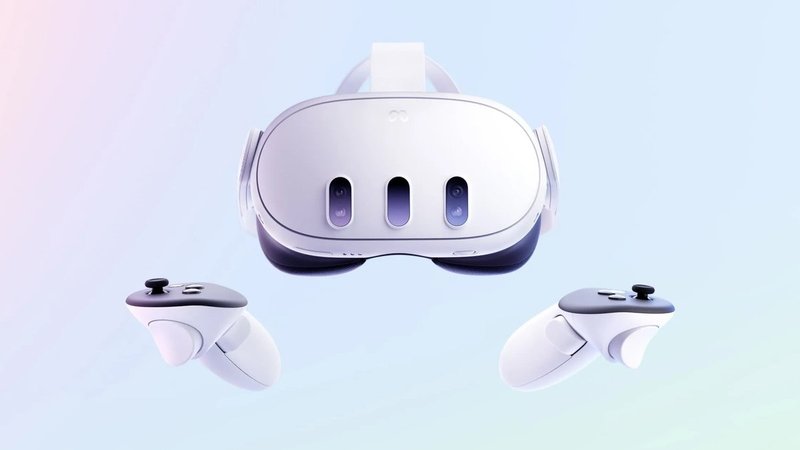
Meta Quest 3
The big brother of the Quest 3S: thinner lenses and a sharper picture right to the edges, useful when tours are shown every day or to a demanding audience. It works without a computer, with controllers or hand tracking, and opens VIRTUS tours straight from the browser.
See it on Amazon → (opens in a new tab)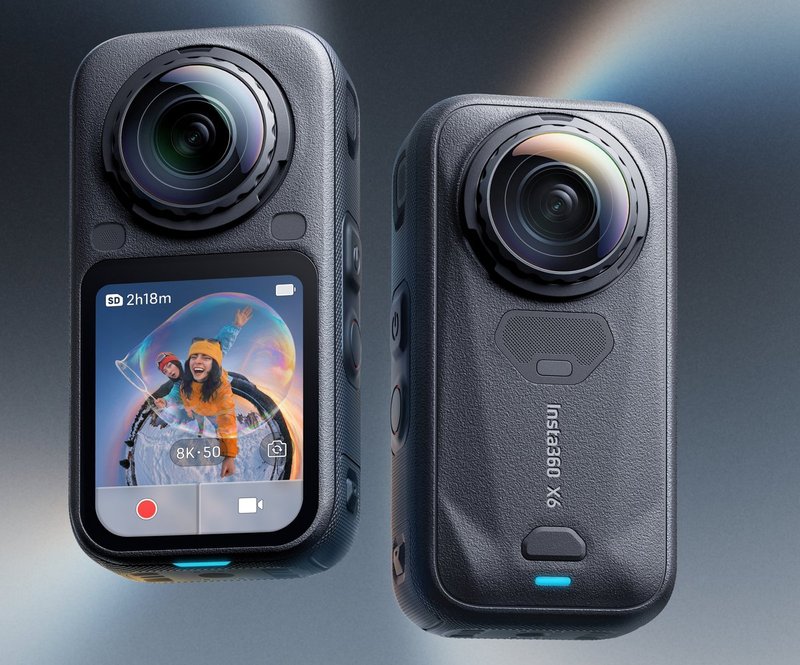
Insta360 X6
The 360° camera we recommend to anyone starting to make tours on their own: compact, controlled from a smartphone, with larger sensors than the previous models for cleaner indoor photos. Its 360° photos can be uploaded to VIRTUS as they are. Use it on a pole or a light tripod, which disappear from the final photo.
See it on Amazon → (opens in a new tab)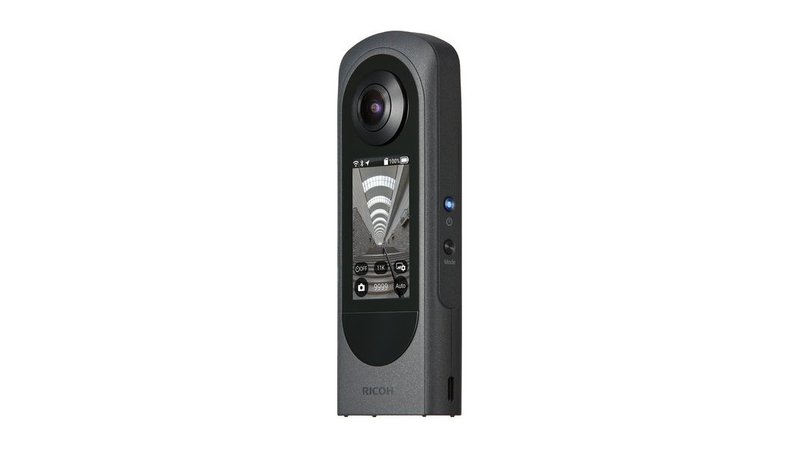
Ricoh Theta X
A 360° camera built for everyday work: a screen on the body to check shots without a phone, and consistent results room after room. It is widely used by real estate photographers and by anyone making many tours every week.
See it on Amazon → (opens in a new tab)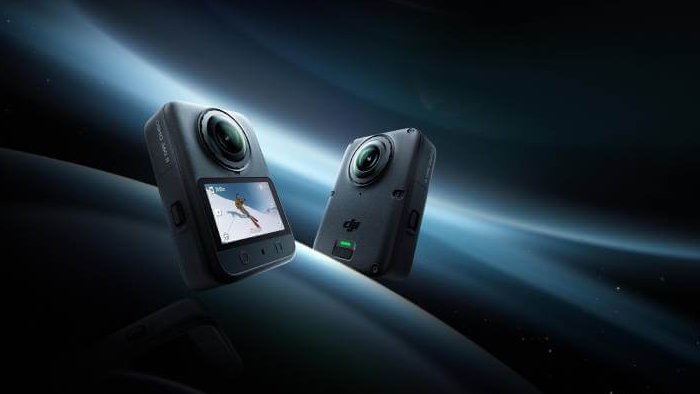
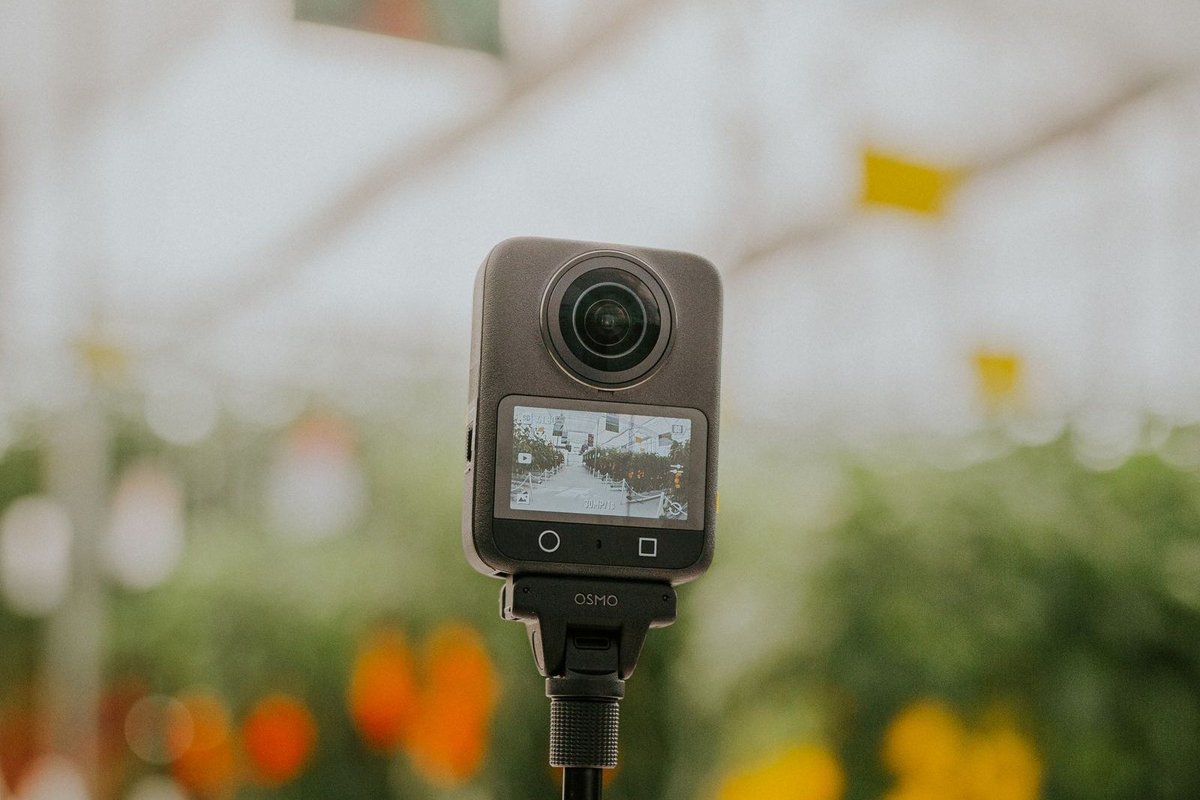
DJI Osmo 360 II
A 360° camera with a 1-inch high dynamic range sensor that copes well with low light and bright windows: handy for dark interiors, corridors and evening settings. Its lenses can be replaced. It is controlled from the DJI app and its 360° photos can be uploaded straight to VIRTUS.
See it on Amazon → (opens in a new tab)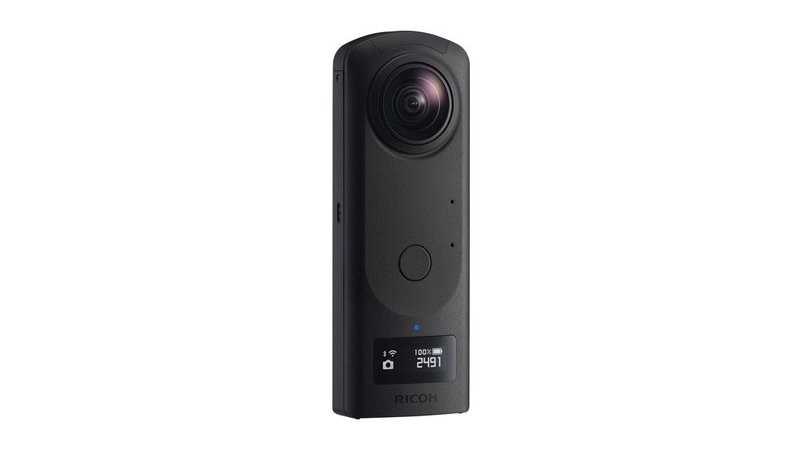
Ricoh Theta Z1
For those who want the best quality indoors: two 1-inch sensors and RAW files handle rooms with bright windows and shaded areas well. It is the right camera for hotels, villas and premium spaces, where every detail counts.
See it on Amazon → (opens in a new tab)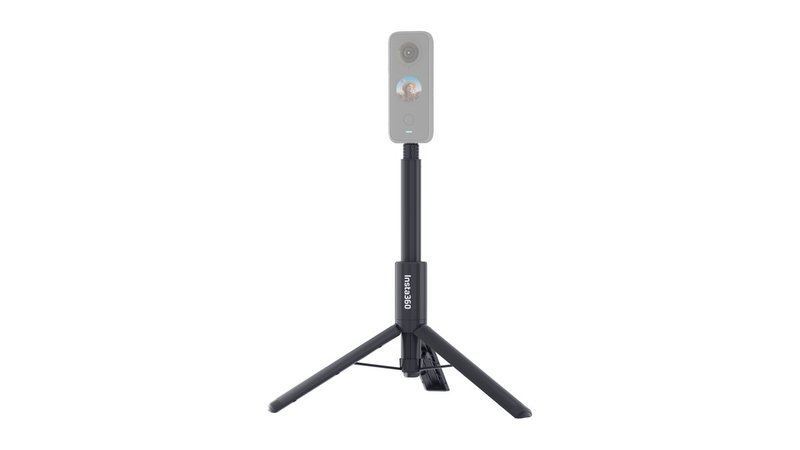
Insta360 invisible selfie stick with tripod
The accessory you cannot do without: a thin pole with feet that holds the camera at eye level and almost disappears from the 360° photo. Nobody ends up in the shot and post-production is faster. Check that it fits your camera.
See it on Amazon → (opens in a new tab)As an Amazon Associate, VR Creators earns from qualifying purchases.