Latest-generation headsets: what changes and how they show 360° tours
Meta Quest 3, Apple Vision Pro, Samsung Galaxy XR, Steam Frame: what is new in recent headsets and what it means for virtual tours.
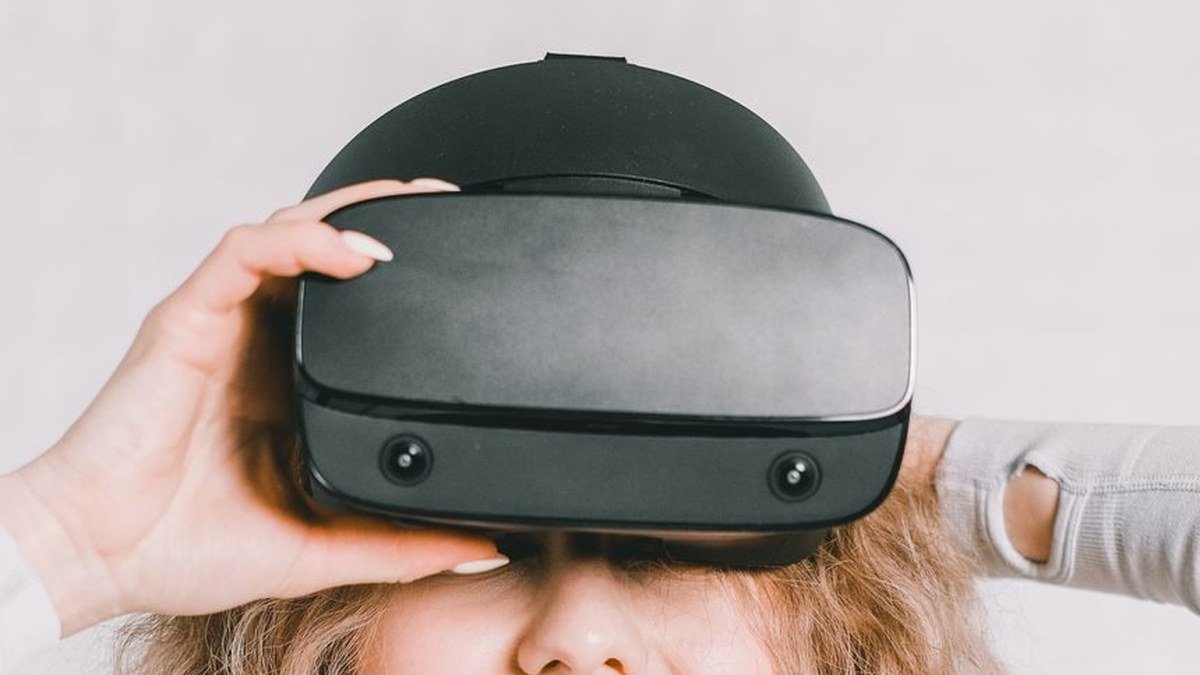
The headsets released between 2023 and 2026 changed virtual reality in three ways: they are standalone, so they work without a computer; they show the room around you through colour cameras (mixed reality); and they have thinner lenses and sharper displays. Here are the reference models as of November 2026 and what they mean for anyone publishing virtual tours.
Which are the reference headsets?
- Meta Quest 3 and Quest 3S: the most widespread standalone headsets. The Quest 3 has pancake lenses; the 3S is the more affordable version. Both have a browser to open web pages.
- Apple Vision Pro: some of the sharpest micro-OLED displays and controls with eyes and hands; it sits in the highest price range.
- Samsung Galaxy XR: the first headset with Android XR, Google's system for extended reality.
- Valve Steam Frame: designed for the Steam game library, it streams games from the PC wirelessly but also works on its own.
- PlayStation VR2: it connects to the PS5 and is made for video games.
Which technologies make the difference?
- Pancake lenses: thinner than Fresnel lenses, they make the headset compact and the image sharp even at the edges.
- Colour passthrough: the outer cameras show the real surroundings, so you can keep an eye on the room.
- Hand and eye tracking: simple actions need no controllers.
- Denser displays: less "screen-door effect" and readable text even when small.
How do you view a 360° tour on a headset?
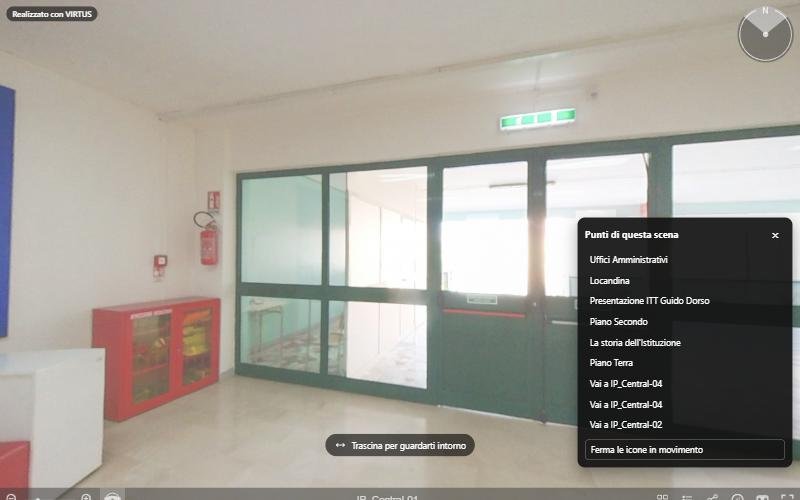
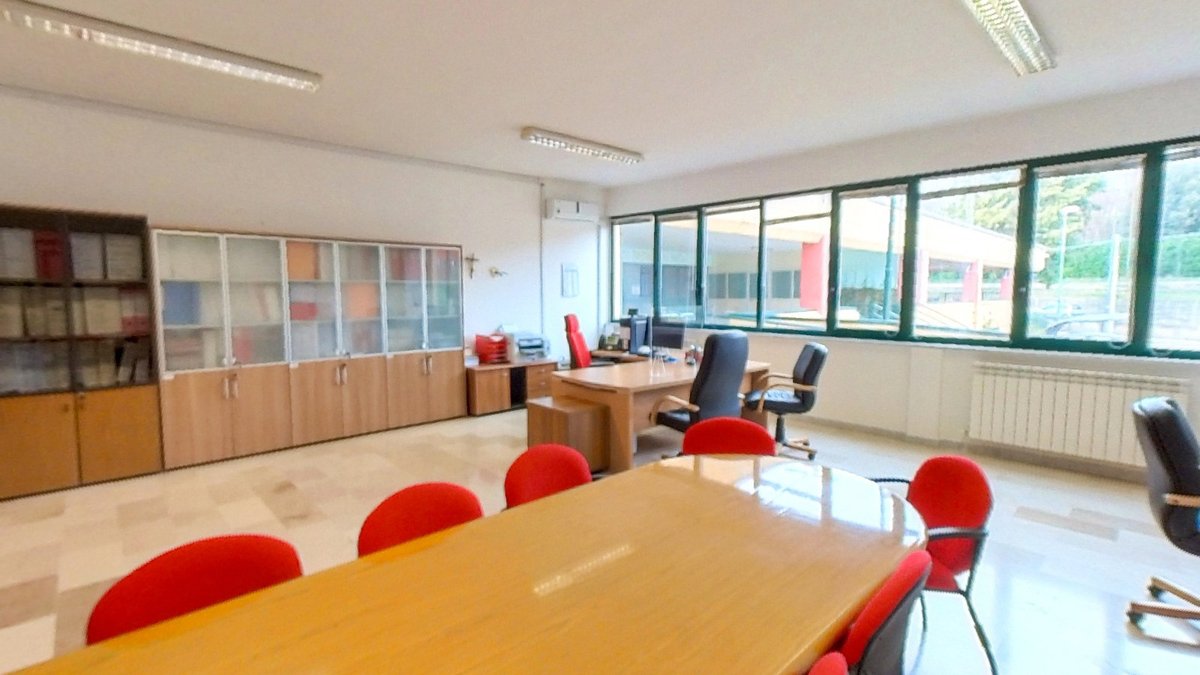
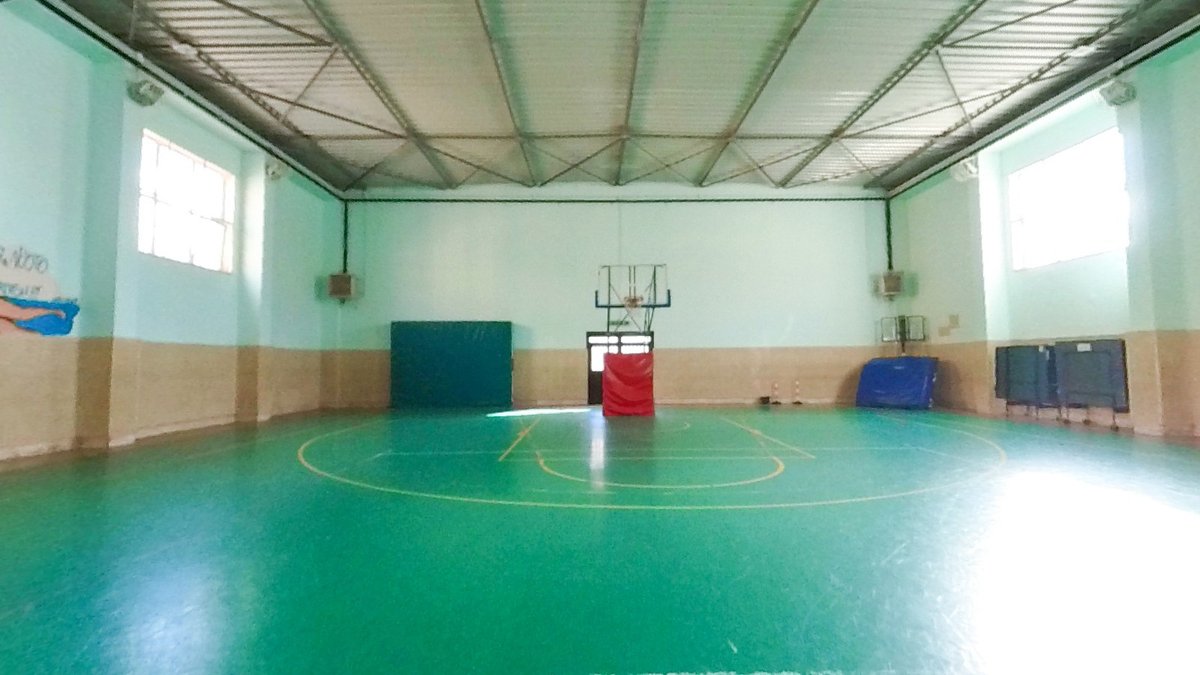
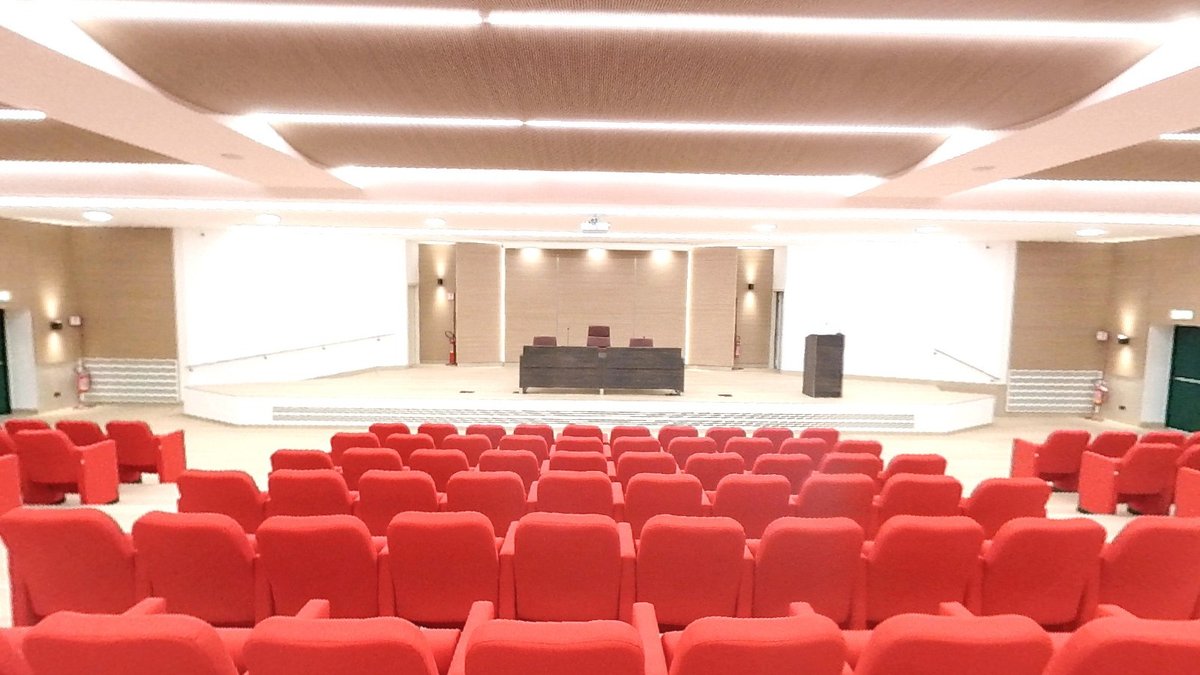
A tour is a sequence of linked spherical photos. In the headset's browser, a VIRTUS tour opens in a large window: you turn the view with the controller or your hands and select information points and arrows with the pointer. To make the most of such sharp displays you need high-resolution photos: VIRTUS splits every panorama into tiles and loads only the visible ones, so even the largest images stay fast.
In short
Recent headsets are lighter, sharper and easier to use. A tour made with good photos looks as good on them as on a smartphone, with nothing to install.